The Ultimate Guide to Round Image Corners
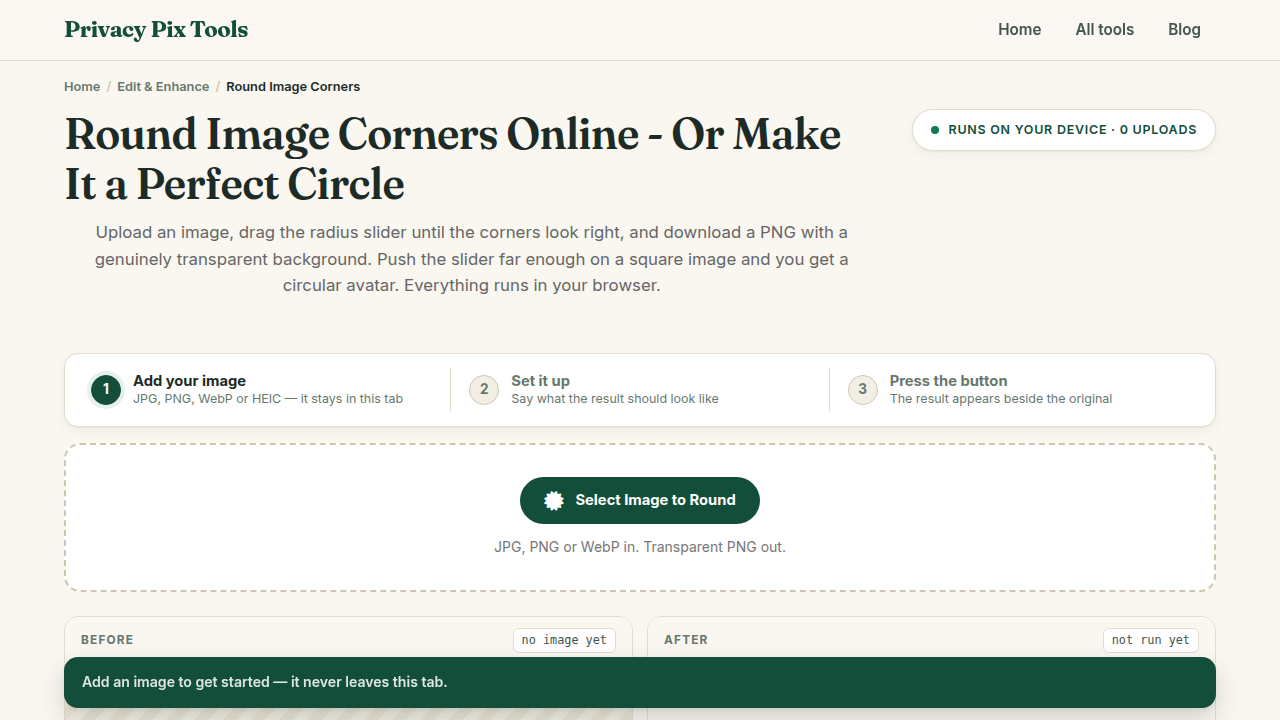
Welcome to the definitive guide for using the Round Image Corners at PrivacyPixTools.com. We have recently updated all our tools to feature a modern, user-friendly interface. This guide walks you through the latest features and explains how our technology keeps your files secure.
In-Depth Look: Round Image Corners
Give your images a modern, polished look with the Round Image Corners tool. Perfect for creating profile avatars, app icons, or sleek UI elements, this tool lets you specify the exact corner radius. It automatically renders the outside areas as transparent and exports the result as a PNG. This seemingly simple operation is performed securely in your browser, bypassing the need for complex desktop software.
Why Privacy Matters for Editing
At PrivacyPixTools, we believe your data is yours. Unlike other online editors that force you to upload your sensitive files to a cloud server, our Round Image Corners runs entirely in your web browser. This client-side architecture means your files never leave your device. It is completely private and secure for all image editing and PDF editing.
Navigating the New Interface
Our recent UI updates were designed to streamline your workflow and enhance usability across all devices, from desktop monitors to mobile phones.
- Smart Dropzone: Simply drag your files directly into the workspace to begin processing immediately.
- Instant Feedback: See your changes reflected instantly on the canvas without waiting for a server response.
- Contextual Controls: Access professional-grade settings with our simplified, intelligent toolbars.
Step-by-Step Instructions
1. Open the Round Image Corners in your modern web browser.
2. Load your file securely using the dropzone or file picker.
3. Utilize the intuitive controls to make your adjustments and preview the results in real-time.
4. Click the download button to save the final result instantly to your device—no watermarks, no server delays, no hidden fees.