How to Create a Favicon - Every Size Your Website Needs, Plus the HTML
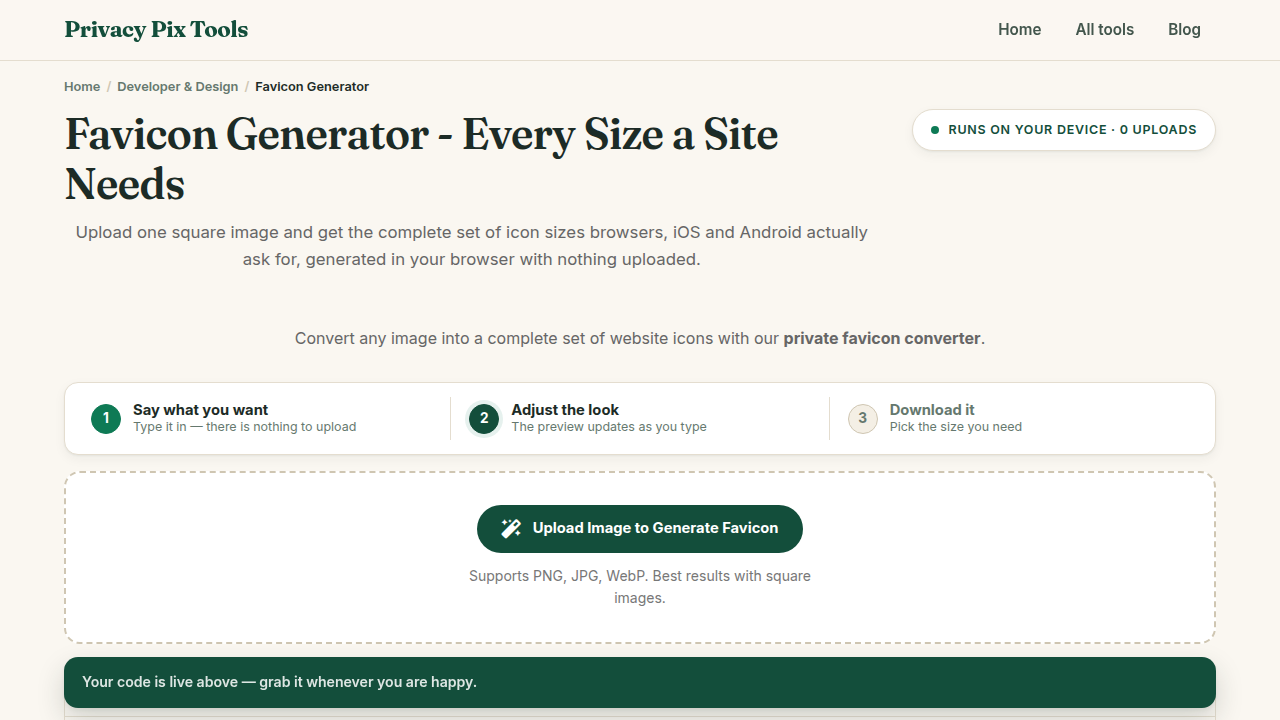
To create a favicon, open the free Favicon Generator, upload a square image, and download the generated icon set - a favicon.ico plus 16×16, 32×32, 180×180, 192×192, and 512×512 PNGs - as a ZIP, along with ready-to-paste HTML link tags. The whole pipeline runs in your browser.
The favicon is your site's smallest ambassador: it lives in browser tabs, bookmarks, history lists, home-screen shortcuts, and search results. Modern favicon requirements have sprawled - a crisp browser-tab icon needs 16 and 32px versions, Android home screens want 192px, PWA manifests demand 512px, and iOS has its own apple-touch-icon convention.
This guide generates all of it from one source image in about thirty seconds, explains what each size is for, and covers the design rules that keep a logo legible at sixteen pixels.
In this guide
What You Need Before You Start
A square source image, ideally 512×512 or larger - PNG with transparency works best. Simple, bold marks survive miniaturization; wordmarks and detailed illustrations do not. If your logo has a busy background, cut it out first with the Background Remover.
Privacy note: Icon resizing and ZIP packaging happen in your browser. Unreleased brand assets stay confidential until launch day.
How to Generate Your Favicon Set in 3 Steps
Step 1Upload your square source image
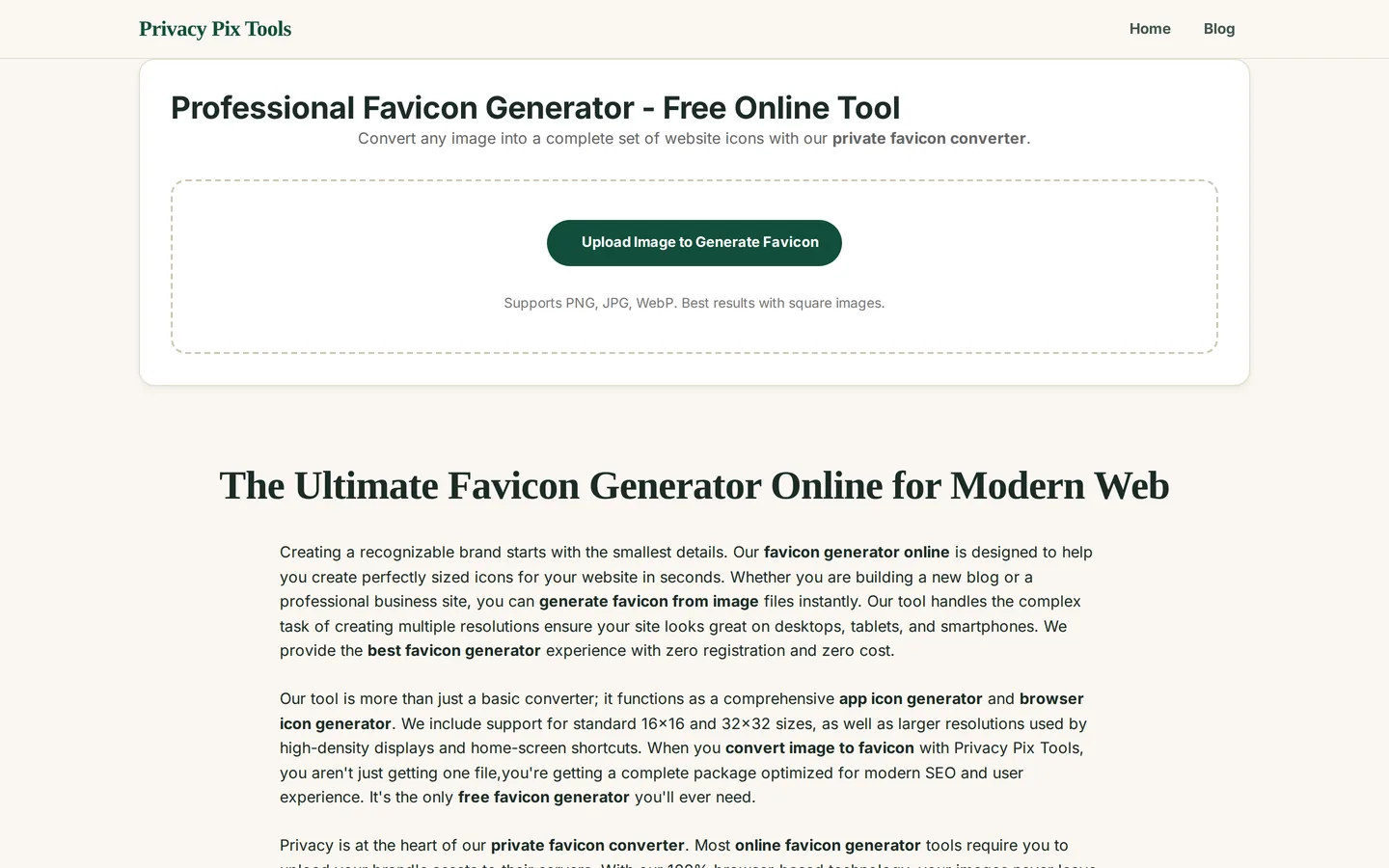
Open the Professional Favicon Generator and click Upload Image to Generate Favicon. PNG, JPG, and WebP are accepted; square images produce the best results (others are letterboxed to fit).
Step 2Review the Icon Preview at every size
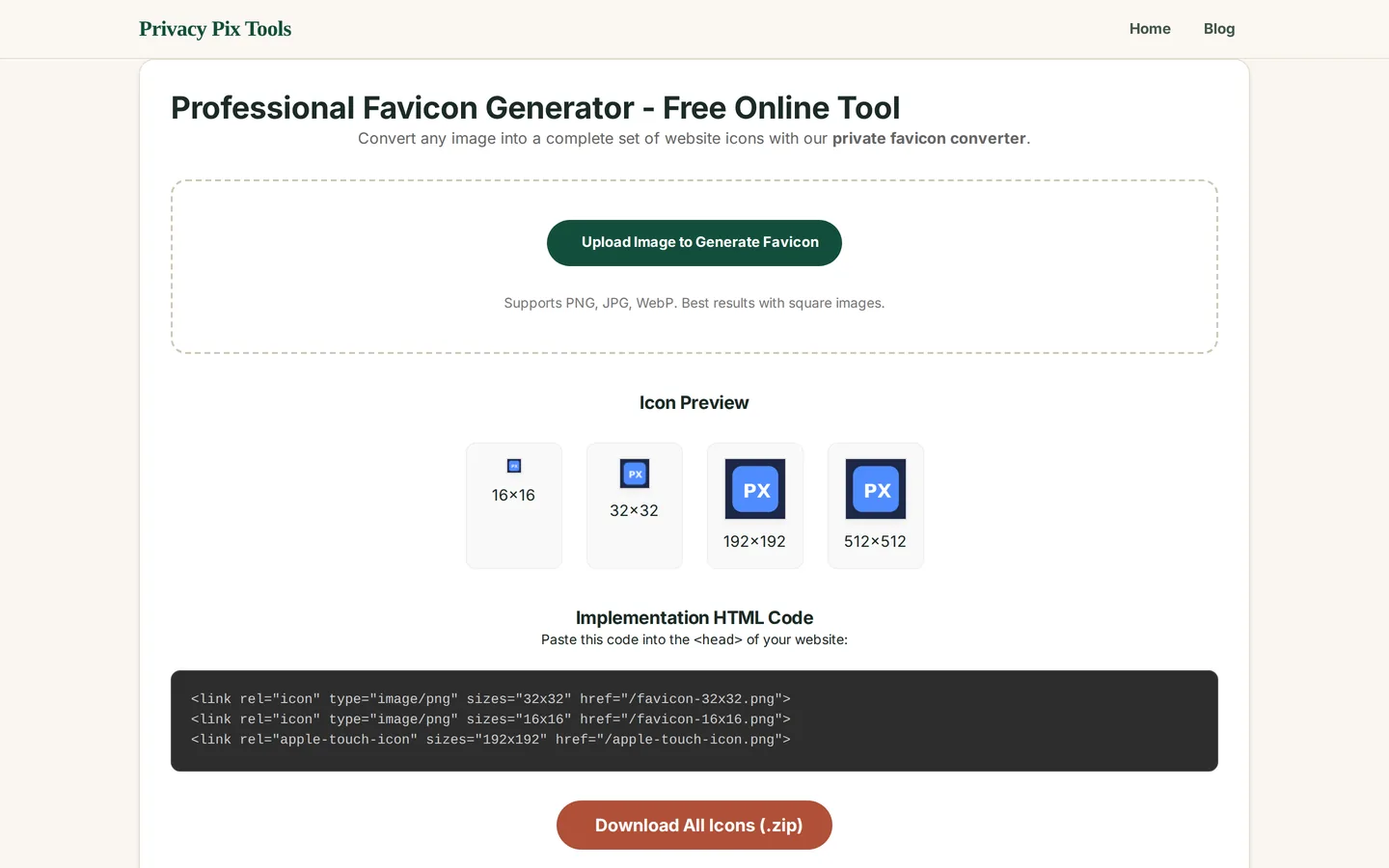
The Icon Preview renders your icon at 16×16, 32×32, 192×192, and 512×512 - exactly what browsers, Android launchers, and PWA installs will show. Squint at the 16px version: if you cannot tell what it is, simplify your source and re-upload.
Step 3Copy the HTML and download the ZIP
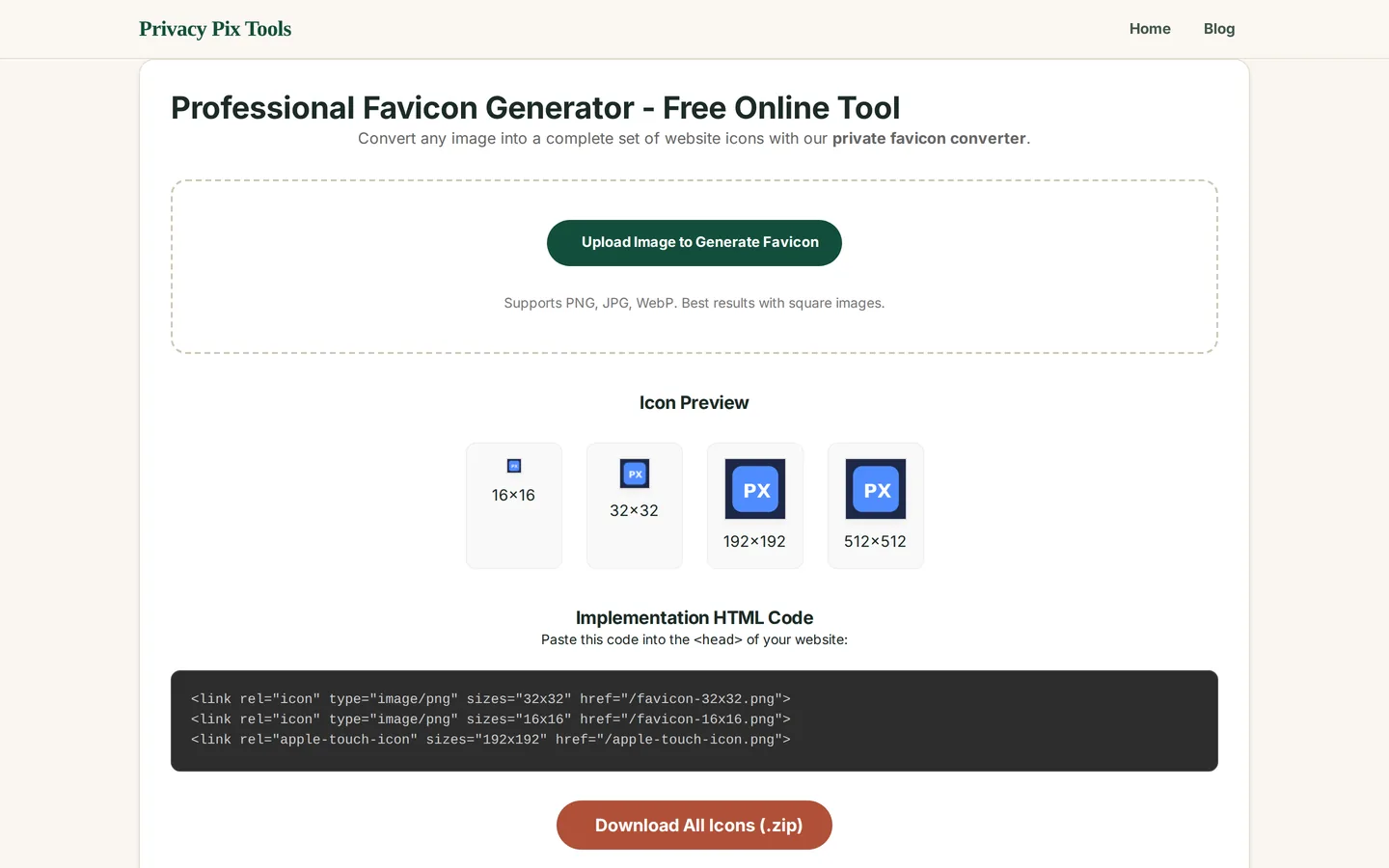
The Implementation HTML Code box contains the exact <link rel="icon"> and <link rel="apple-touch-icon"> tags for your <head>. Copy them, click Download All Icons (.zip), drop the files in your site root, and paste the tags into your template. Done.
Generate your favicon set
Open the Favicon GeneratorPro Tips for Better Results
- Design for 16px first: One bold shape, two colors max, no thin lines, no text (a single letter at most). If it reads at 16px, it will look great everywhere else.
- Test both tab themes: Tabs come in light and dark. Transparent-background icons should carry enough contrast for both - or add a subtle circular backing plate.
- Bust the cache when updating: Browsers cache favicons aggressively. Ship a new icon as a new filename (favicon-v2.png) or append ?v=2 to the href to force the refresh.
- Cover the PWA manifest: The 192 and 512px icons are exactly what web app manifests require for install prompts and splash screens - reference them in manifest.json too.
- Keep the master editable: Regenerating for a rebrand takes 30 seconds if you keep a 1024px master of your mark.
Why This Stays 100% Private
A favicon generator seems innocuous until you remember what gets uploaded to it: logos for products that have not launched, client marks under NDA, rebrand drafts. Server-side generators receive all of it. This one resizes on a local canvas and builds the ZIP in memory - your brand assets are never in anyone's upload directory.
Unlike most "free" web tools, Privacy Pix Tools has no accounts, no file-size tricks, no watermarks, and no server-side processing. You can even load the page, disconnect from the internet, and the tool keeps working - proof that your files never leave your device.
Common Use Cases
- New websites: Ship the full icon set with correct HTML on day one instead of the framework default.
- PWAs: 192/512px manifest icons for installable web apps, generated alongside the tab icons.
- Client handoffs: Deliver a complete, correctly-sized icon kit as part of any web project.
- Rebrands: Regenerate every size from the new mark in seconds, cache-busted and ready.
Frequently Asked Questions
What sizes does a favicon need in 2026?
16×16 and 32×32 PNG for browser tabs, 180×180 apple-touch-icon for iOS, and 192×192 plus 512×512 for Android and PWA manifests. This generator produces the full set with matching HTML.
Do I still need a .ico file?
Modern browsers all accept PNG favicons via link tags. A legacy favicon.ico in the site root is only needed for very old browsers and some crawlers - optional for most sites today.
Where do the favicon files go?
Anywhere your HTML can reference - the site root is conventional. Upload the PNGs, then add the provided link tags inside
on every page (usually via your base template).Why does my favicon look blurry?
Usually a large image scaled down by the browser instead of proper 16/32px versions, or a detailed logo that cannot survive 16px. Use the generated sizes and simplify the mark.
My new favicon isn't showing - why?
Favicon caching is notoriously sticky. Hard-refresh, or better, change the filename or add a ?v=2 query string to the href.
Can I make the favicon from a photo?
You can, but photos rarely read at 16px. Crop tightly to one high-contrast subject, or better, derive a simple graphic mark from it.
Related Tools & Guides
- Background Remover - isolate your logo before generating icons.
- SVG to PNG Converter - rasterize a vector logo at 512px for input.
- Sprite Sheet Packer - more dev-asset tooling for games and apps.
- Web & Game Dev Assets - the developer tools overview.