How to Make a Meme Online - Free, Private, and No Watermark
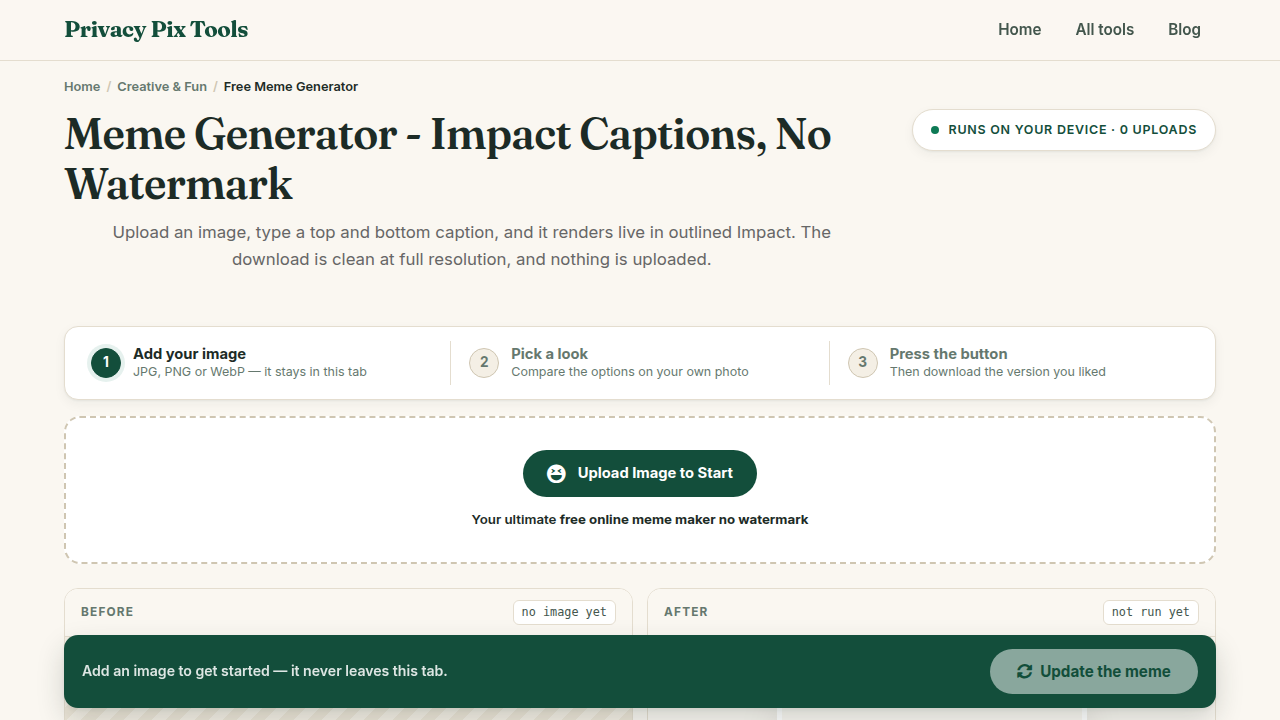
To make a meme, open the free Meme Generator, upload any image, type your Top Meme Text and Bottom Meme Text, click Update Preview, and hit Save Meme (No Watermark). Classic white impact-style captions with black outlines, rendered instantly in your browser - no signup and no branding stamped on your joke.
The classic meme format - white capital letters, black outline, top and bottom - has survived fifteen years of internet evolution because it works on any image and reads at any size. What has changed is the tooling: most meme sites now watermark your output, demand an account, or quietly collect every template you upload.
This generator does none of that. It is a canvas, two text boxes, and a download button, running entirely on your device. Group-chat jokes and internal work memes stay between you and your recipients.
In this guide
What You Need Before You Start
An image - a photo from your camera roll, a screenshot, a classic template you saved. JPG, PNG, and WebP all work. And a joke, which remains your responsibility.
Privacy note: The meme is composited on a local canvas. Inside jokes about your team, your family, or your group chat are never uploaded to a meme site's server (and their moderation logs).
How to Make a Meme in 3 Steps
Step 1Upload your template image
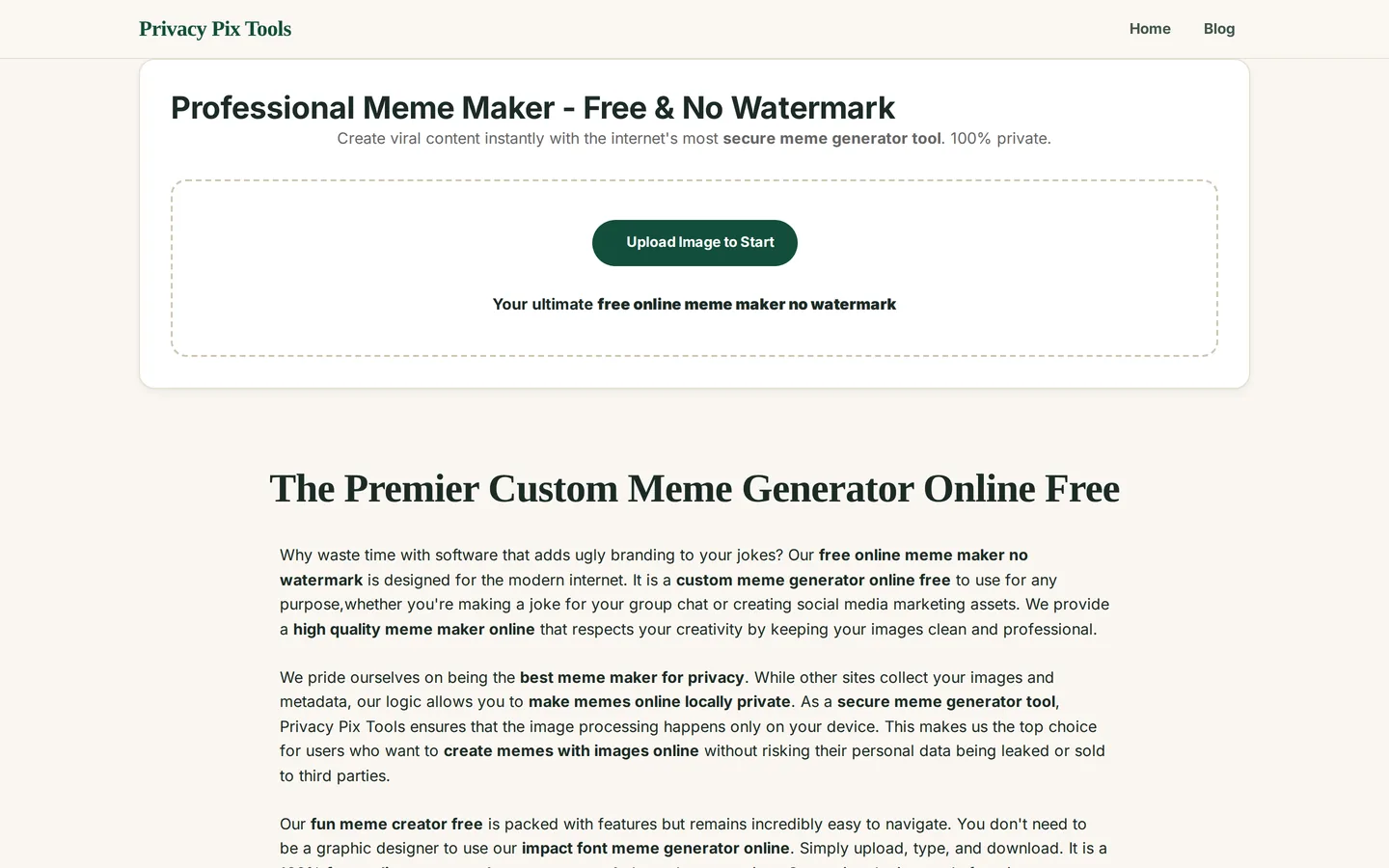
Open the Professional Meme Maker and click Upload Image to Start. Any picture becomes a template - the tool scales the canvas to your image's dimensions.
Step 2Write the top and bottom text
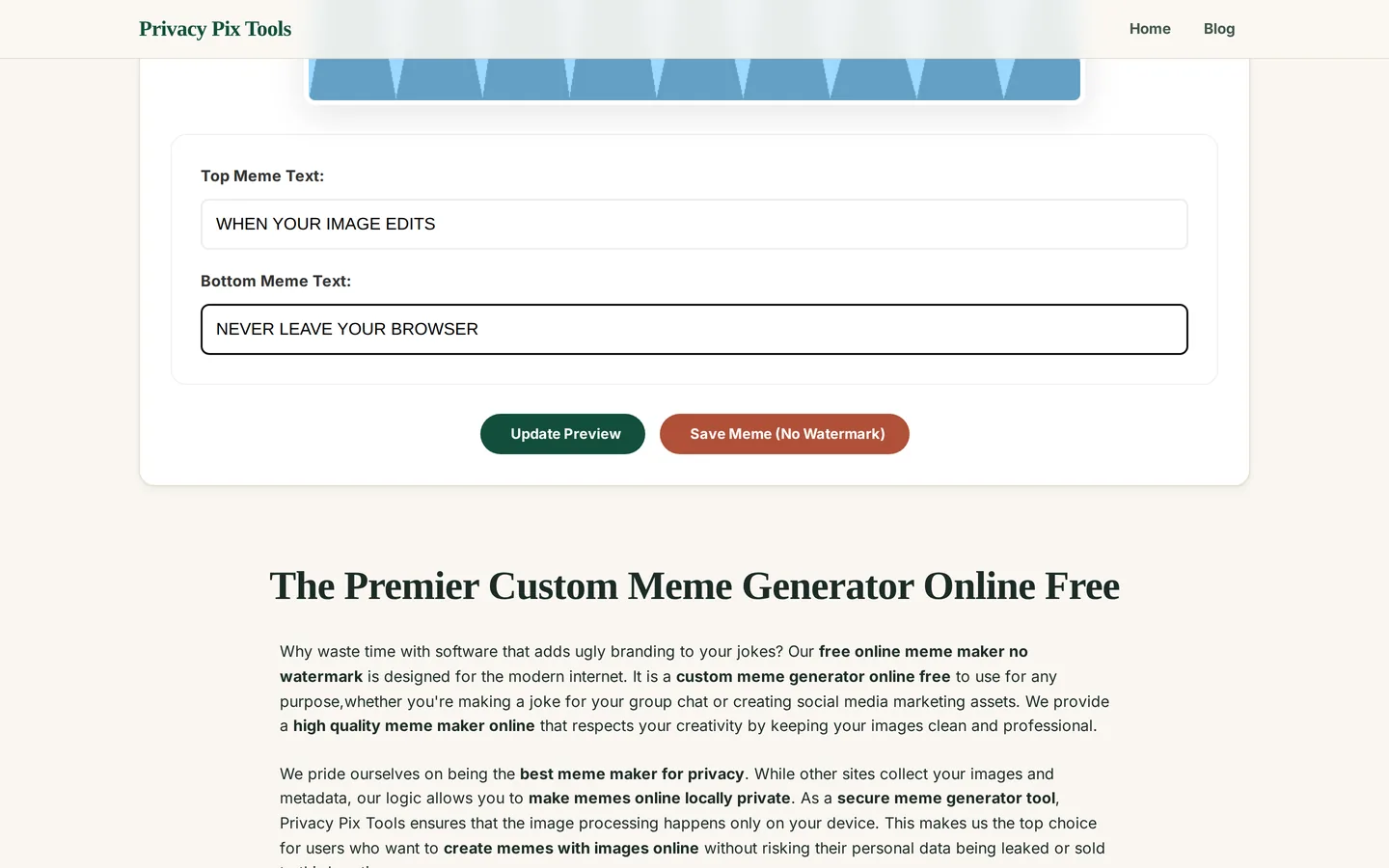
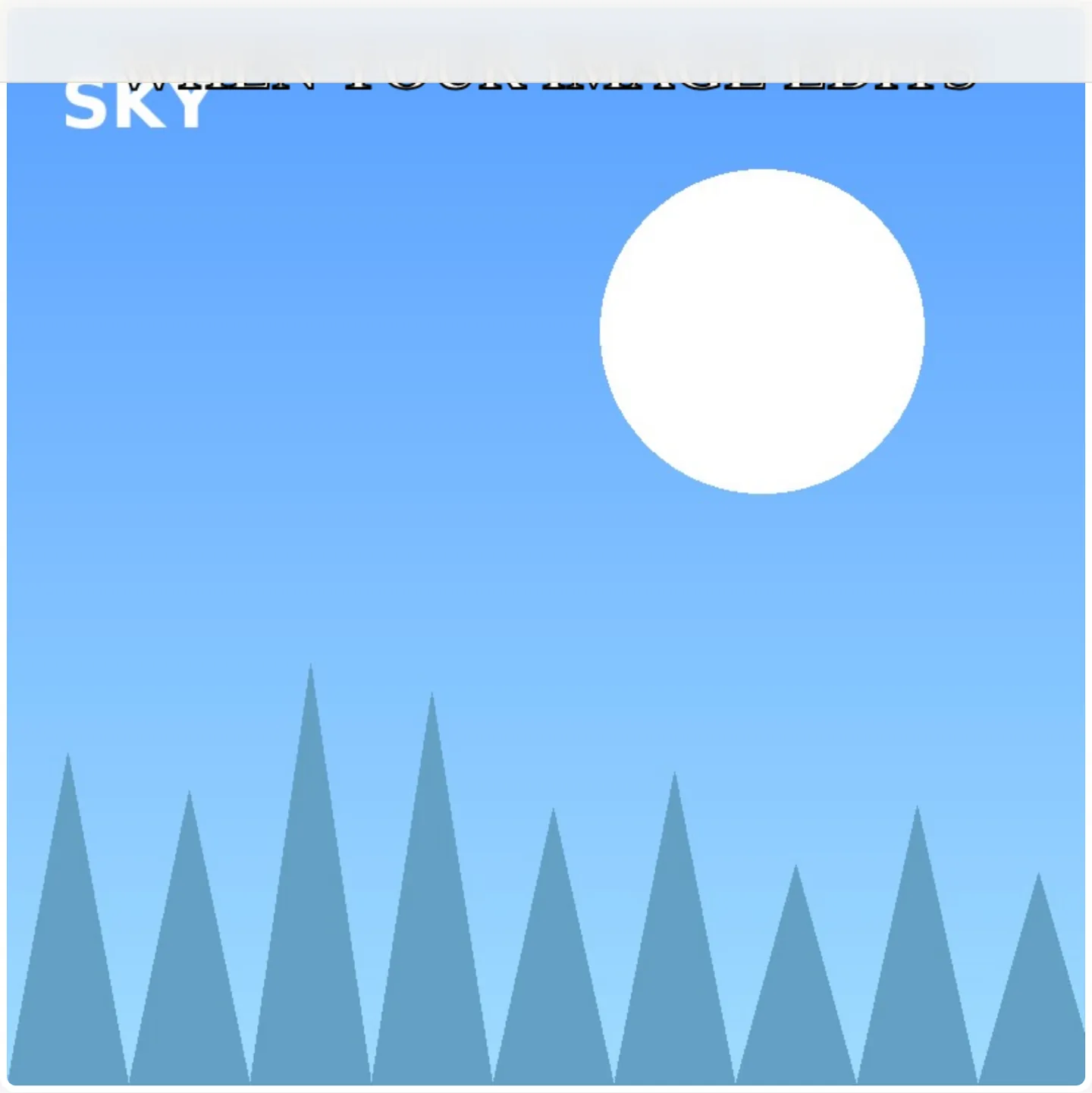
Type into Top Meme Text and Bottom Meme Text. The classic format sets up in the top line and pays off in the bottom one. Click Update Preview to render the captions in bold white letters with the traditional black outline - automatically sized and centered.
Step 3Save your meme - watermark-free
Click Save Meme (No Watermark) and the finished image downloads at full resolution. Nothing is stamped in the corner; the meme is entirely yours.
Make a meme right now
Open the Meme GeneratorPro Tips for Better Results
- Keep it short: Memes are read in under two seconds. If a caption wraps to three lines, cut words until it doesn't.
- Contrast placement: The white-with-black-outline text survives most backgrounds, but avoid placing punchlines over visually chaotic areas of the image.
- Crop before you caption: Tight crops on faces and reactions hit harder. Run the image through the Image Cropper first.
- Make GIF memes too: For animated formats, caption a few frames here and assemble them with the GIF Maker.
- Screenshot memes need redaction: Captioning a group-chat screenshot? Blur names and avatars with the Privacy Blur tool before it leaves your device.
Why This Stays 100% Private
Meme sites monetize two ways: watermarks that advertise their brand on your joke, and template libraries built from everything users upload. Both depend on your meme passing through their servers. This generator renders text onto a canvas locally - your office in-jokes, your family roast material, and your unpublished shitposts never enter anyone's content pipeline.
Unlike most "free" web tools, Privacy Pix Tools has no accounts, no file-size tricks, no watermarks, and no server-side processing. You can even load the page, disconnect from the internet, and the tool keeps working - proof that your files never leave your device.
Common Use Cases
- Group chats: React to the conversation with a custom meme faster than you can find the right stock one.
- Team culture: Internal memes about the deploy that broke prod - safely internal, since nothing is uploaded.
- Social content: Watermark-free memes look native on every platform instead of advertising a generator site.
- Presentations: A well-placed meme wakes up any slide deck; export at full resolution for projection.
Frequently Asked Questions
Is there really no watermark?
None. The download contains your image and your text, nothing else. Free meme sites that watermark are charging you in advertising - this one runs in your browser, so there is nothing to promote.
Can I use my own photos as templates?
Yes - any JPG, PNG, or WebP becomes a template. Your photo is processed locally and never joins a public template library.
Can I change the text style or position?
The tool renders the classic format: bold white capitals with black outline, top and bottom. For freeform text placement, fonts, and colors, use the Social Media Post Creator or the Photo Editor's text tool.
How do I make an animated GIF meme?
Caption each frame here, then combine the frames with the GIF Maker tool, setting your desired frame interval.
What resolution is the output?
The meme exports at the resolution of your source image - captioning does not downscale it.
Related Tools & Guides
- GIF Maker - turn captioned frames into an animated meme.
- Image Cropper - tighten the shot before captioning.
- Social Media Post Creator - freeform text styling and platform sizes.
- The Fastest Way to Make Memes - the quick overview article.