How to View and Remove EXIF Data from Photos - Before You Share Them
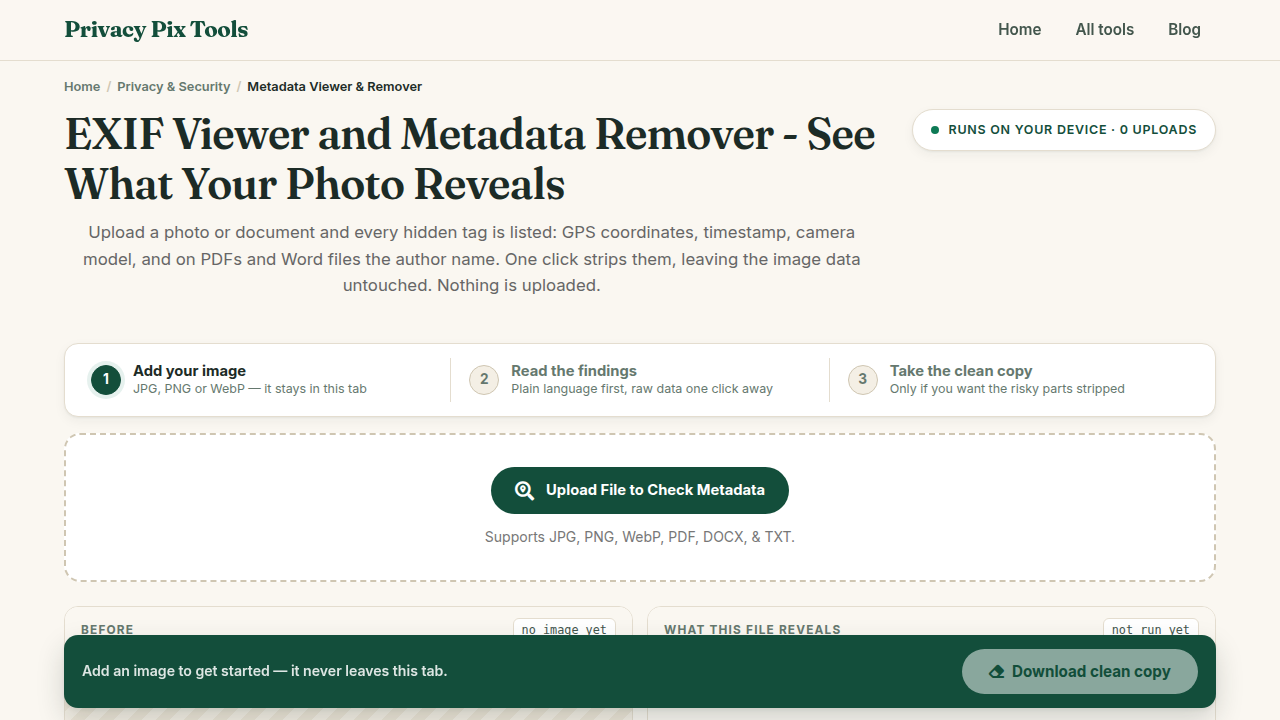
To remove EXIF data from a photo, open the Metadata Viewer & Remover, upload the image, review the Found Metadata Information table - camera, timestamps, and GPS coordinates if present - then click Remove Metadata & Download to save a clean copy. The file is inspected and scrubbed locally in your browser.
Every photo your phone takes carries a hidden passenger: EXIF metadata. It typically includes the exact GPS coordinates of where the shot was taken, the precise time, your device make and model, and sometimes even a unique camera serial number. Share the file directly - by email, cloud link, or many messaging apps - and all of it travels along.
This guide shows you how to audit any image's metadata in seconds and produce a scrubbed copy that is safe to share. It is the single highest-value privacy habit for anyone selling items online, posting on forums, or sharing photos of their family.
In this guide
What You Need Before You Start
Just the file you plan to share. The tool reads metadata from JPG, PNG, and WebP images - and also inspects PDF, DOCX, and TXT documents, which carry their own metadata (author names, edit history, software versions).
Privacy note: This is the one category of tool where uploading would be self-defeating - a metadata "remover" that receives your file has already read everything. Here, inspection and removal run entirely in your browser; the tool cannot see your data because it never receives it.
How to Check and Strip Photo Metadata in 3 Steps
Step 1Upload the file you want to inspect
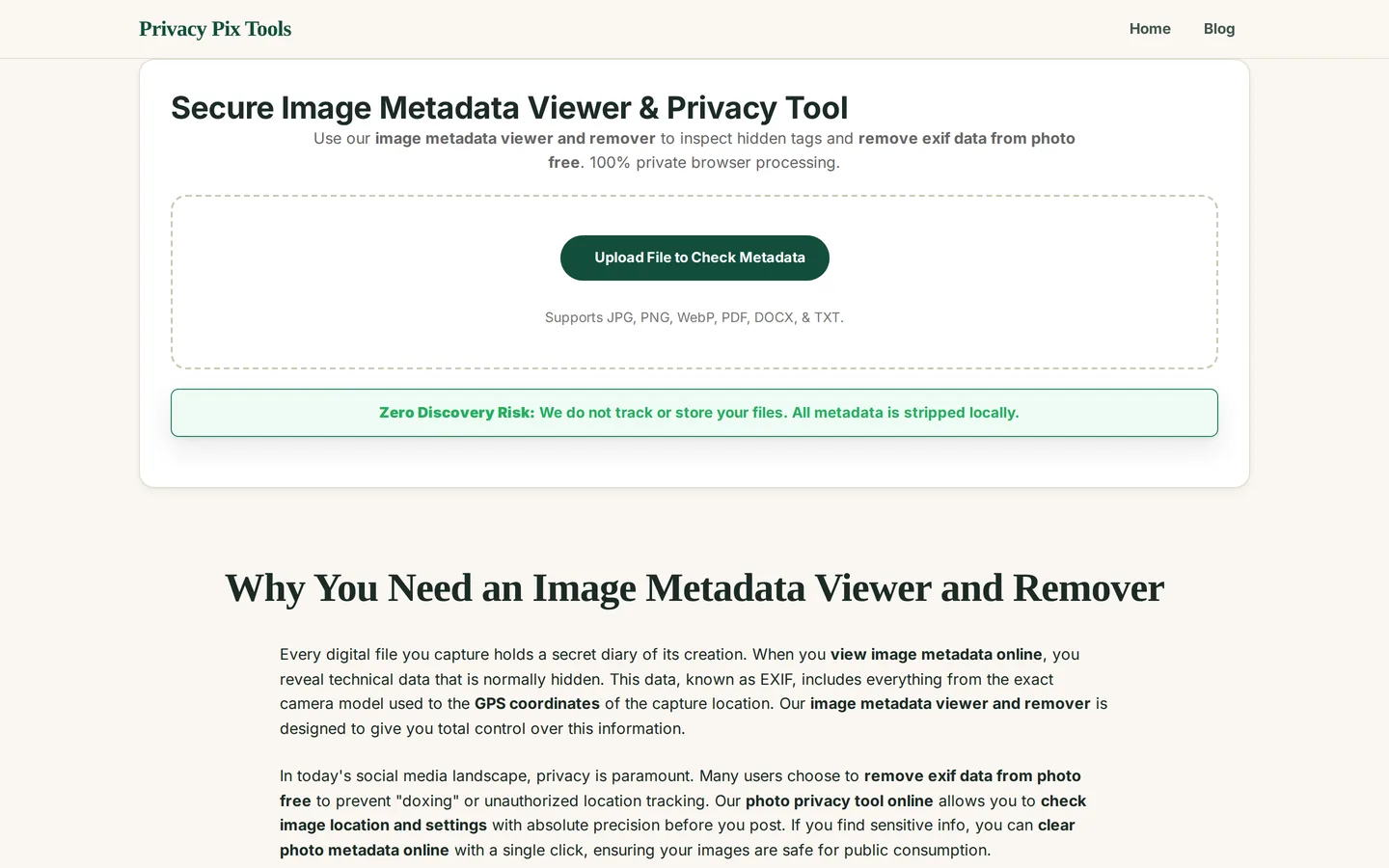
Open the Secure Image Metadata Viewer & Privacy Tool and click Upload File to Check Metadata. JPG, PNG, WebP, PDF, DOCX, and TXT are supported. The file is parsed in memory on your device.
Step 2Read the metadata table
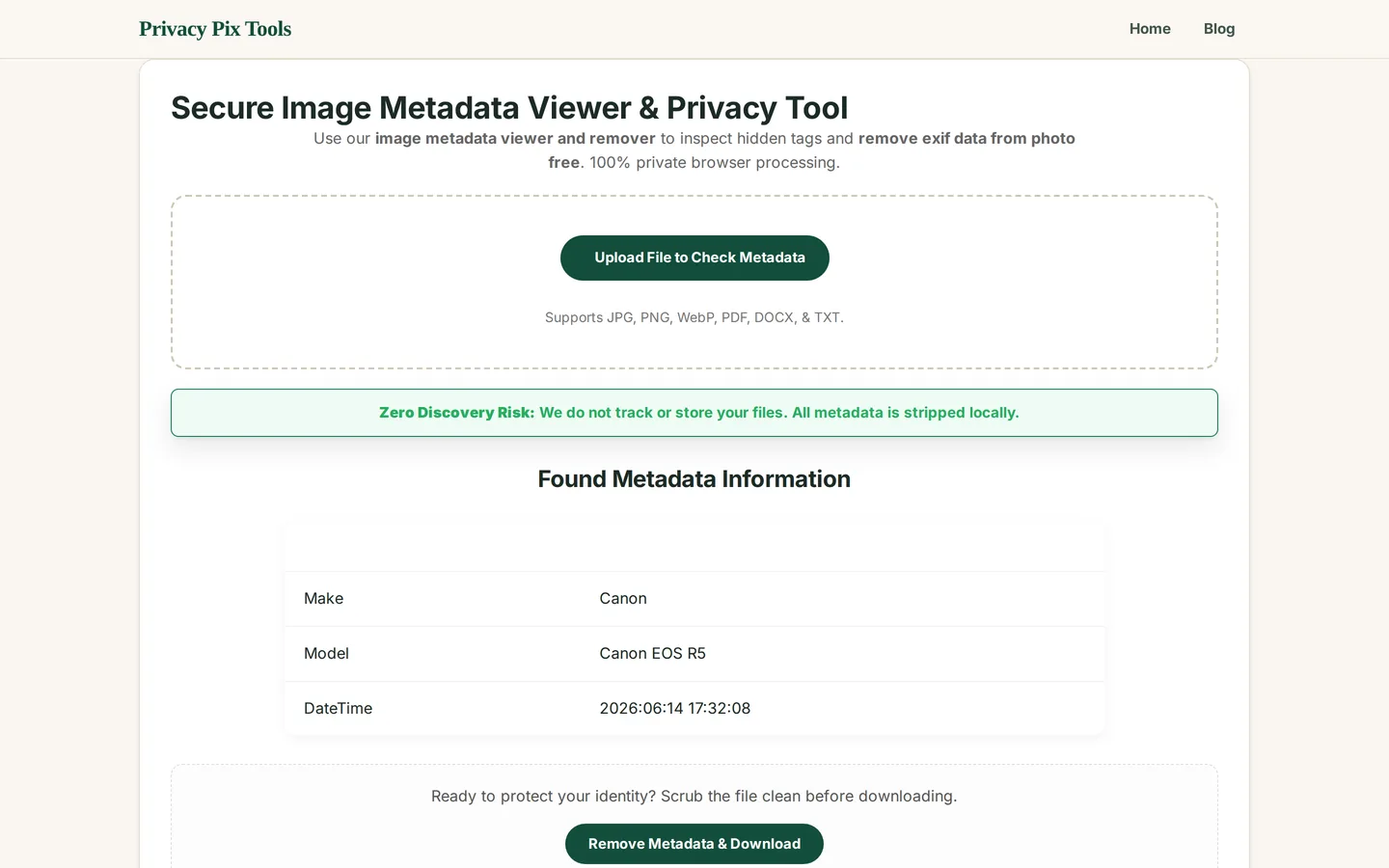
The Found Metadata Information table lists every tag embedded in the file. In our example the photo reveals it was taken with a Canon EOS R5 on 2026-06-14 at 17:32. On phone photos you will typically also see GPS latitude/longitude - precise enough to identify a home address - plus lens data, software versions, and orientation.
Pay special attention to GPS tags (your location), DateTime tags (your schedule), and Serial numbers (which can link separate photos to the same device - and therefore to each other).
Step 3Remove everything and download the clean copy
Click Remove Metadata & Download. The tool re-encodes the image without any metadata blocks and saves a clean copy to your device. Your original stays untouched - share the scrubbed version and archive the original.
Check what your photos are leaking
Open the Metadata ToolPro Tips for Better Results
- Make it a pre-share ritual: Selling on Marketplace, posting on forums, sending photos to strangers - scrub first, every time. It takes ten seconds.
- Don't trust social media to do it: Big platforms strip most EXIF on display, but they read it first (and keep it), and direct file shares - email, cloud drives, many chat apps - strip nothing.
- Screenshots are a blunt alternative: Screenshotting a photo drops its EXIF but costs quality and resolution. The remover gives you a clean file at full quality.
- Check documents too: PDFs and Word files leak author names, company info, and revision history. The tool reads those formats as well.
- Remember visual metadata: EXIF is not the only leak: reflections, street signs, and landmarks in the pixels themselves can reveal location. Pair with the Privacy Blur tool for full hygiene.
Why This Stays 100% Private
A metadata removal service that requires uploading is a contradiction: to "protect" your location data you would hand a stranger the file containing it. This tool resolves the paradox by never taking possession - the EXIF parser (built on the piexif library) runs in your browser sandbox, the table you see is rendered locally, and the scrubbed file is written straight to your downloads folder.
Unlike most "free" web tools, Privacy Pix Tools has no accounts, no file-size tricks, no watermarks, and no server-side processing. You can even load the page, disconnect from the internet, and the tool keeps working - proof that your files never leave your device.
Common Use Cases
- Selling online: Strip GPS from photos of items in your home before posting to Craigslist, eBay, or Facebook Marketplace.
- Sharing family photos: Remove location and schedule data from kids' photos before sending beyond close family.
- Anonymous posting: Forum and Reddit images scrubbed of device serials and timestamps that could link accounts.
- Professional documents: Clean author metadata from PDFs and DOCX files before external distribution.
Frequently Asked Questions
What exactly is EXIF data?
EXIF (Exchangeable Image File Format) is a metadata block cameras and phones embed in photos: GPS coordinates, date and time, device make and model, exposure settings, software versions, and sometimes serial numbers and owner names.
Do photos really contain my GPS location?
If location services were enabled for your camera app - the default on most phones - yes, to within a few meters. The viewer shows you the exact coordinates so you can see for yourself.
Does removing EXIF change photo quality?
No. Metadata lives in separate segments of the file from the image data. Stripping it leaves pixels untouched - the file just gets slightly smaller.
Doesn't Instagram/Facebook already remove EXIF?
They strip it from what other users can download, but they ingest and keep it for themselves. And files you share directly (email, Drive links, some messengers) retain everything.
Can I remove metadata from PDFs and Word documents?
Yes - the tool reads and cleans PDF, DOCX, and TXT metadata such as author, company, and editing timestamps.
Is 'Remove personal info' in Windows enough?
Windows' built-in remover misses several tag types and does not touch some maker-specific blocks. A dedicated parser is more thorough - see our article on the limitations of OS built-in tools.
Related Tools & Guides
- Privacy Blur & Pixelate - redact what is visible in the pixels, not just the metadata.
- How to Blur Faces & Text in Photos - the visual-redaction companion guide.
- The Geotagging Risk Vector - how GPS data is embedded and retrieved.
- Limitations of OS Built-in Tools - why Windows' remover is not enough.